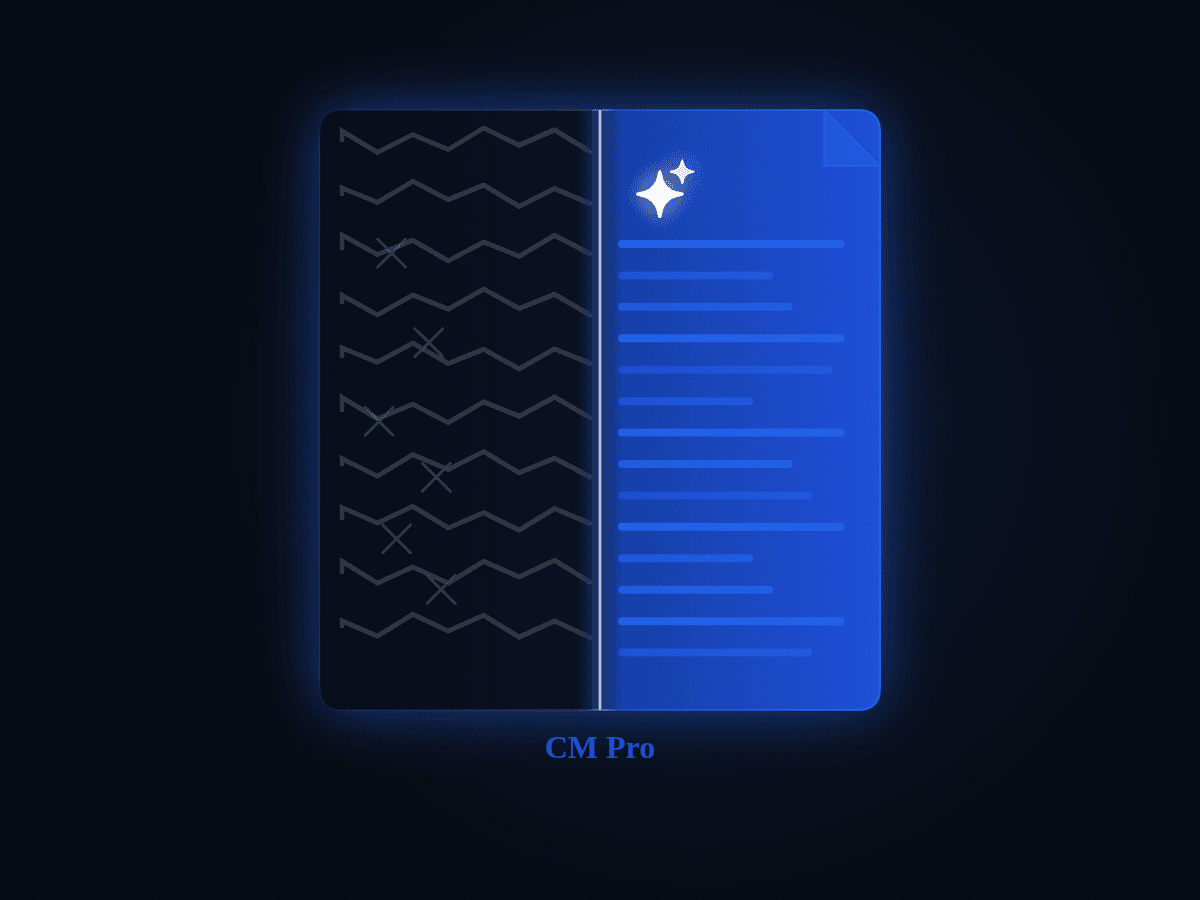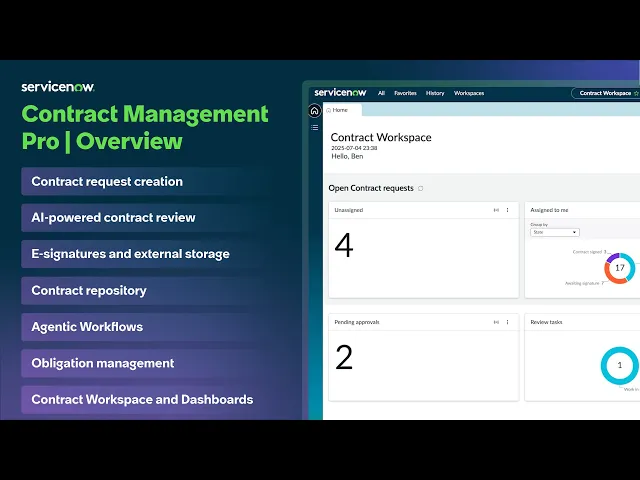
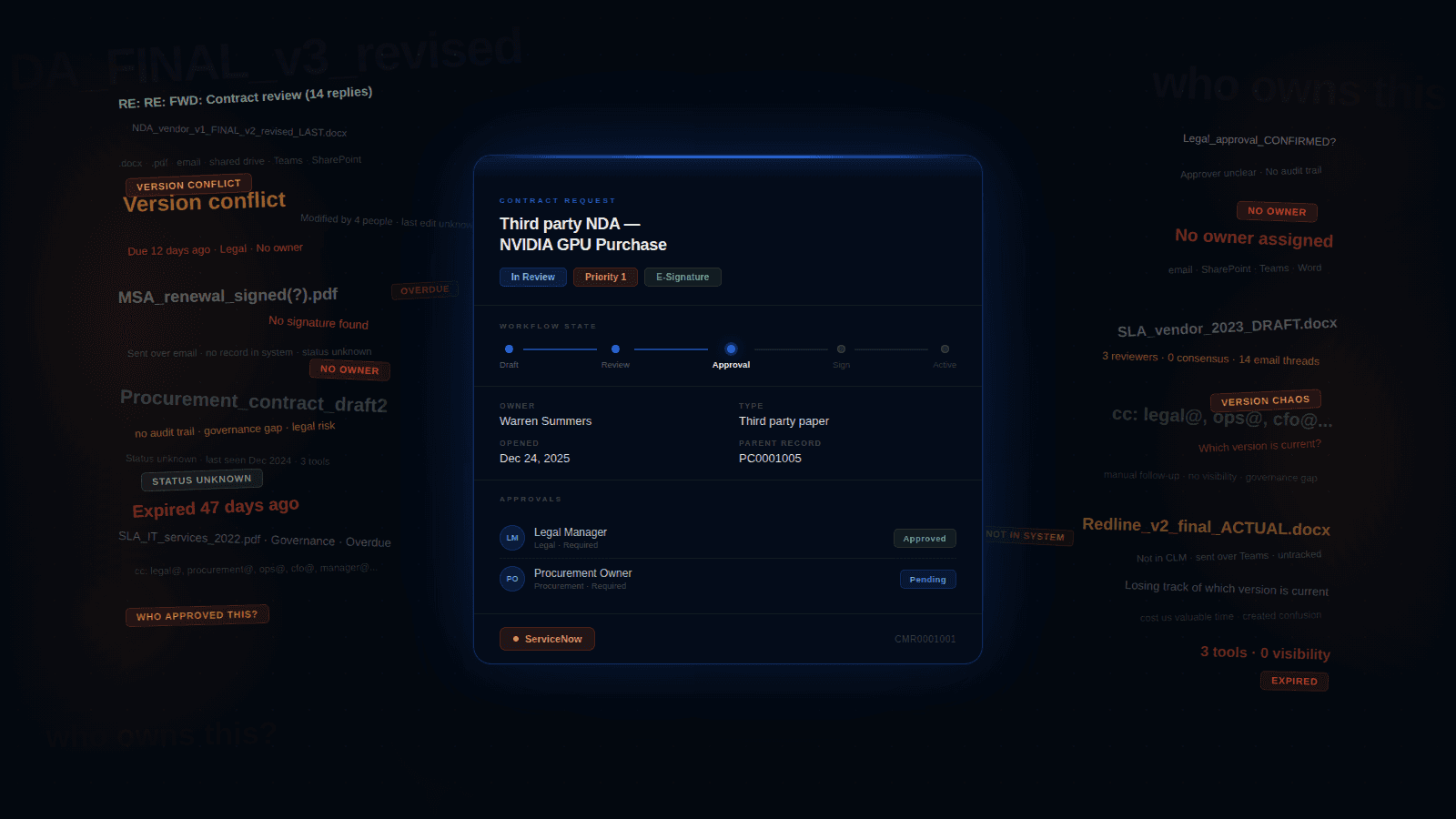
Workflow-native contracting, then GenAI and agentic patterns only where trust can be designed into the loop.
Role: Product Design Manager (hands-on)
Company: ServiceNow
Team: Started with 2 designers, scaled to 4
Partners: Product, Engineering, UX Research (shared), Solution Consulting and Enablement, Implementation partners
At a glance
Problem: Enterprise contracting fails when it behaves like an island. Users jump between tools, governance gets brittle, and adoption stalls.
Bet: Do not build a destination CLM suite. Build a workflow-native contracting wedge that plugs into sales and procurement motions, meets counsel in Word, and adds AI only where trust can be designed into the loop.
What shipped: Workflow-native CM Pro built to live inside sales and procurement motions. Word-first authoring wedge. AI-assisted review and repository extraction. Conversational AI search MVP in the workspace. Admin guided setup explored as a north star direction.
My role: Led design strategy and delivery end-to-end, scaled the team from 2 to 4, stayed hands-on across the Word experience, AI trust patterns, conversational search, and admin setup north star.
Proof: In roughly 12 months, 100+ licensed customers, dozens live, dozens in implementation across multiple regions.
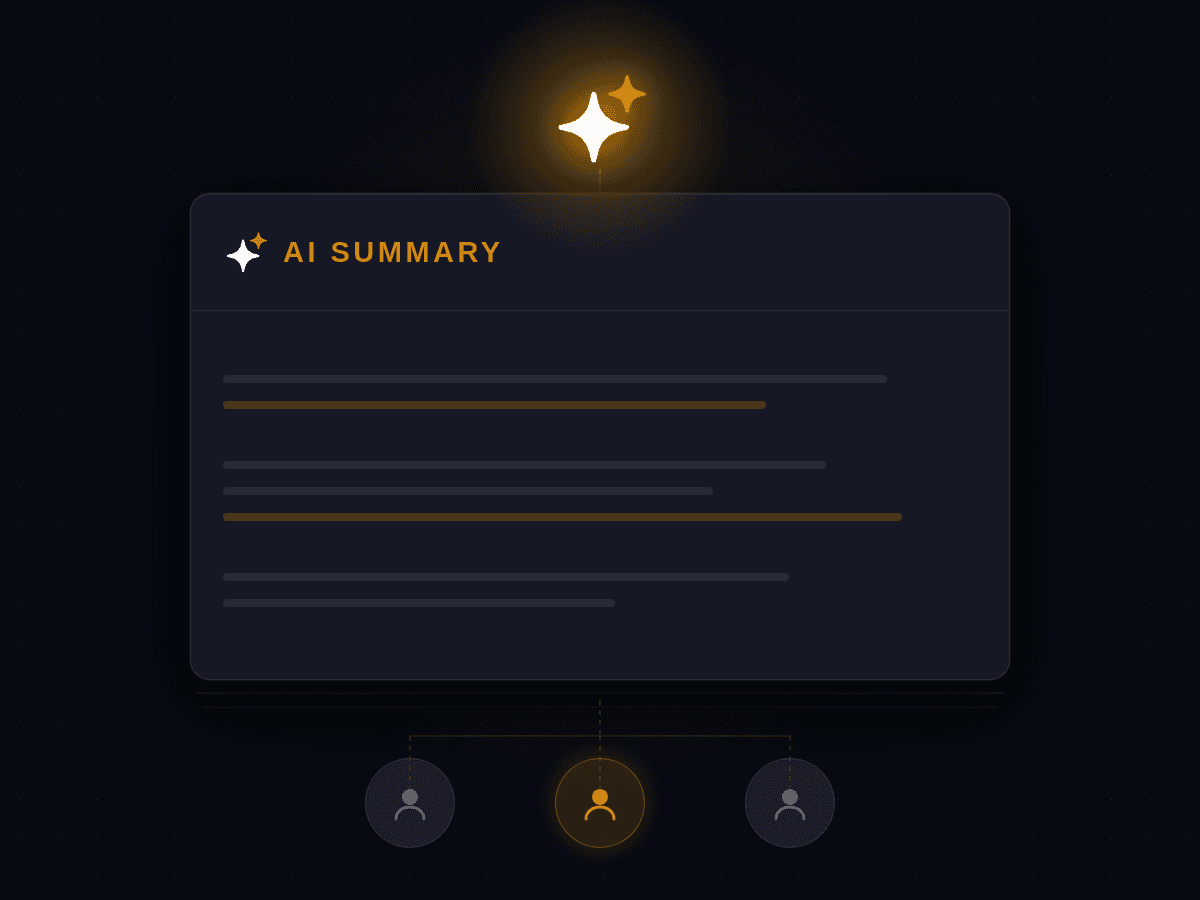
AI impact: For simple sales NDAs, turnaround dropped roughly 50%, from 3 to 4 days down to 1 to 2. Redlining effort dropped 80 to 90% with AI handling first-pass issue spotting and clause-level suggestions. Reviewers approved each change before it touched the document.
How contracting actually works
Contracts don’t live only in Legal. They touch teams like Sales, Procurement, HR, Finance, and IT, which is why contracting breaks when it behaves like a standalone island.
Most work starts in one of two ways:
Own templates (first-party paper): generate from approved templates and clause libraries.
Their templates (third-party paper): review and negotiate someone else’s contract.
After signing, contracts become operational truth: metadata, renewals, and obligations that drive downstream work. The lifecycle is: request > author/review > sign > repository > manage obligations.
The moment it clicked
There was a point early on where “standalone CLM suite” stopped being a product aspiration and started feeling like a strategic trap.
Not because it wasn’t attractive. Because it wasn’t viable.
With our investment and timelines, going suite-first would have pushed us into feature-chasing, and it would have asked customers to adopt a brand new destination workspace and operating model on day one.
But contracting is tightly knitted into how enterprises already work across teams and workflows, especially in Sales and Procurement. When a standalone contracting tool pulls people out of those contexts, adoption quietly leaks back into Word attachments, email threads, and spreadsheet trackers.
So we made a different bet: build a workflow-native wedge that can be adopted incrementally. Commercially, it also created a cleaner land-and-expand motion: start as a capability inside existing relationships, prove value, expand as migration becomes feasible.
What changed for me: over time, the question shifted from “how do we build a full CLM” to “what’s the smallest contracting wedge that feels native, credible, and expandable.”
Where CM Pro plugs in
Workflow-native wasn’t a slogan for us. It was a packaging decision.
We designed CM Pro so contracting could plug into the places work already starts, especially Procurement and Sales Order Management (SOM). That way, contracting could be adopted inside existing motions rather than forcing everyone into “another legal workspace” up front.
What I owned
As Product Design Manager, I owned experience direction and delivery across the contract lifecycle.
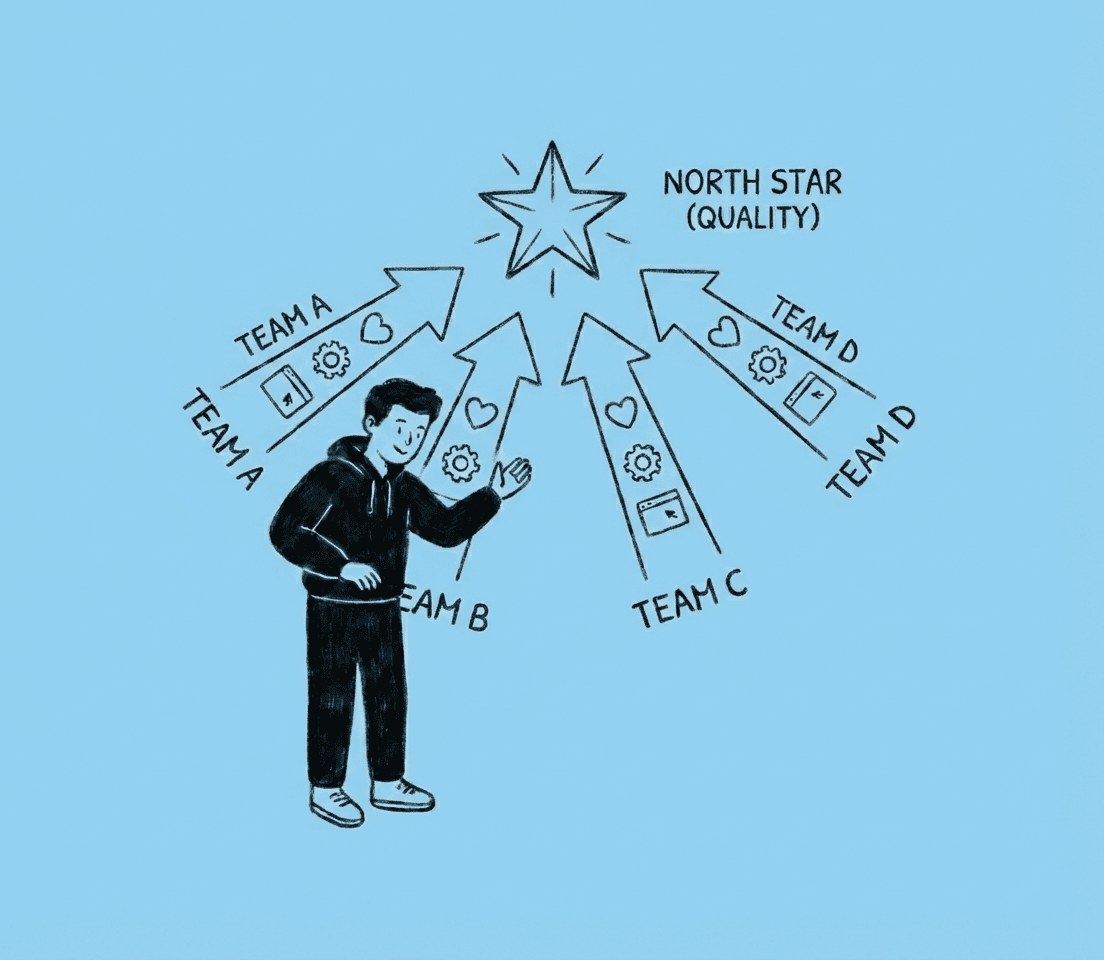
Set the north star (workflow-native, familiar-first, trust-by-design)
Built the operating cadence that kept quality coherent as the team scaled
Partnered tightly with PM and Engineering to turn ambiguity into shippable slices
Stayed hands-on where decisions compound:
- Word experience
- AI-assisted review patterns
- Repository workflows (metadata + obligations extraction)
- Conversational AI search MVP in the workspace
- Admin setup north star direction
How I scaled ownership (without experience drift)
As the team scaled, I assigned clear surface ownership (Word, Workspace, Admin, AI, Signatures) and used cross-surface decision reviews to keep patterns consistent, especially trust gates, approvals, and traceability. We also separated work into “ship now” vs “design debt” vs “north star” so MVP delivery didn’t get tangled with vision work.
The recurring loops that kept scope, decisions, and quality stable through the release cycle.
Word was not a feature, it was the deal
One of the clearest signals came from a senior legal counsel (25–30 years in practice). He was direct in a way that left no room for interpretation:
“I have been a lawyer for 25–30 years. MS Word is my default. Even if you build the perfect contracting tool, I will still be in Word for everything else. So unless you meet me there, you are asking me to change the way I work.”
That quote changed the nature of the conversation. We stopped treating Word as an integration checkbox and started treating it as the adoption surface.
So the job wasn’t “add a Word add-in.” The job was: respect counsel’s authoring context while preserving what the platform needs to be credible, traceability, governance, workflow state, and contract truth.
Word is the surface. The platform is the system. Counsel edits in Word while CM Pro preserves workflow state, traceability, and contract truth.
AI, with one line we refused to cross
When GenAI entered the picture, it could have easily turned into “AI everywhere.” But, we refused to ship AI that isn’t trustworthy.
This forced discipline. AI could suggest, summarise, and extract, but humans retain authority. Nothing becomes contract truth without explicit confirmation. Users can edit, override, and reject.
1) The unsafe ask we said no to
There was an early push to let AI scan a contract, correct missing clauses and discrepancies, and generate a new “fixed” document version.
We said no.
Even if accuracy is “90%,” the remaining 10% in legal text is where the risk lives. Auto-changing the master copy without reviewer approval creates silent errors, hard-to-trace edits, and painful reversal. It also pushes reviewers into validating a whole new document version, where it’s easier to miss something critical.
So we designed a safer posture: AI compares clause-by-clause against the playbook, flags discrepancies, and suggests fixes, but every change stays at the clause level and requires explicit human approval before it touches the document.
2) Where AI actually reduced real work
We anchored AI in two cost centers where effort is expensive and risk is high.
AI-assisted review (Word + workspace)
For simple sales NDAs, turnaround dropped roughly 50%, from 3-4 days to 1-2. Redlining effort dropped somewhere between 80-90% because AI did first-pass issue spotting and suggested clause-level language, with reviewers approving changes clause-by-clause.
Scope note: based on pilot comparisons and reviewer self-report for simple NDAs, not complex, highly negotiated agreements.
Repository workflows (metadata + obligations extraction)
Post-sign is where contracts become operational truth. We used AI to extract structured outputs into a reviewable state, routed it through human validation before publish, and kept every field editable with override.
A very enterprise reality: usage was high enough that some customers asked for limits or credit-style controls, because each AI run costs money. That became part of the product conversation too.
Conversational AI search (MVP): speed first, verification where needed
Once you put contracts into a workspace, a new kind of pain shows up. Not missing data. Hunting for it.
So we built an MVP of conversational AI search inside the contract workspace for high-frequency operational questions. Instead of scanning lists and opening records, users could ask questions like “Which contracts have auto-renewal clauses?” and get an immediate, actionable list.
We made the experience feel agentic without feeling opaque: verification paths like “Show sources,” lightweight processing transparency where needed, and safe fallbacks. When a query was unclear or unsupported, the assistant didn’t guess. It prompted rephrasing and offered suggested questions that mapped to supported knowledge.
The trade-off we made
Early on, we made a deliberate trade-off: we prioritised the contracting workflows that would make or break adoption immediately, fulfillers, legal counsels, requestors, approvers, reviewers, signatories. If those experiences felt clunky, no amount of admin polish would save the product.
The cost of that choice showed up later. Admin setup and configuration stayed closer to classic platform list-and-form UX, and too much was left for users to infer. As a design leader, I could see where this would land: once customers moved from “this looks promising” to “we’re implementing,” setup would become the adoption cliff.
Interim reality: we leaned on solution consulting and implementation partners to offload heavy setup work for customers while we shaped a longer-term fix.
The adoption cliff: the setup black box
This is the part many product stories skip, but it is where enterprise adoption wins or loses.
Admin research made it clear the pain was not just UI. The top issues repeatedly surfaced as documentation gaps, setup complexity, and support discoverability.
Combine older classic UI patterns with unclear documentation and setup started to feel like a black box: not just “how do I do this,” but “when do I do this, in which tool, and how do I know it worked.”
One admin said it best:
“I did not know where to start. I kept bouncing between steps, unsure what the right sequence was, and it got confusing fast.”
Template configuration and Word mapping were where this gap became most visible. Users asked for step-by-step guidance and struggled with the process, especially around variable mapping and content controls.
There was also a hidden tax: admins had to set up and maintain content controls per parent template across contract types. That is heavy upfront work, plus ongoing operational overhead as templates evolve.
In the field, admins often fell back to support tickets or implementation partners to unblock them, and setup simply stopped moving until someone pulled them through.
Once we saw the pattern, we stopped treating it like a documentation problem. We treated it like a product experience problem.
Guided setup north star: make the sequence visible
In parallel to partner-supported implementations, we explored a north star direction for admin setup. This was vision work, not fully productised yet, designed to remove the “black box” feeling and make completion predictable.
The direction I drove focused on three outcomes:
Make prerequisites explicit so admins know what needs to be ready before they begin (roles, plugins, integrations, template inputs).
Turn template configuration and Word mapping into a guided step with examples, checkpoints, and clear “this is correct” signals.
Validate before publish, with completion criteria visible, then support post-publish monitoring so teams can track errors, adoption, and governance drift over time.
Win story: regulated energy provider
A regulated energy enterprise relied on a bespoke internal contracting tool for contract review, signing, and purchase requests. After an internal audit flagged the system as an enterprise risk, and end-of-life created a hard deadline, they had to find a safer path fast.
Design angle: We engaged late, but went deeper on the business goals and adoption realities than a checklist comparison. We challenged requirements respectfully, reframed the solution around workflow outcomes and a credible maturity path, and aligned early with the implementation partner on what could be achieved out of the box versus what required custom build.
Result: They moved forward with CM Pro + Legal Service Delivery and kicked off implementation workshops.
“This gives us one of the most complete end-to-end setups we’ve had for contracts and legal teams.”
Impact, the way it actually unfolded
This work didn’t land as one big moment. It landed in phases, because enterprise adoption does.
Phase 1: workflow-native positioning made the bet believable and adoption feasible.
Phase 2: Word-first made counsel adoption realistic without a forced behavior change.
Phase 3: trust-gated AI reduced review effort while keeping humans in control.
Phase 4: admin setup surfaced as the adoption cliff and shaped the guided setup direction.
A hard leadership moment
The hardest part was not choosing the bet. It was holding the line once every stakeholder wanted a different version of the product: sales pushing for parity checklists, engineering pushing for feasibility, legal pushing for risk controls, and implementations pushing for “make setup easier yesterday.”
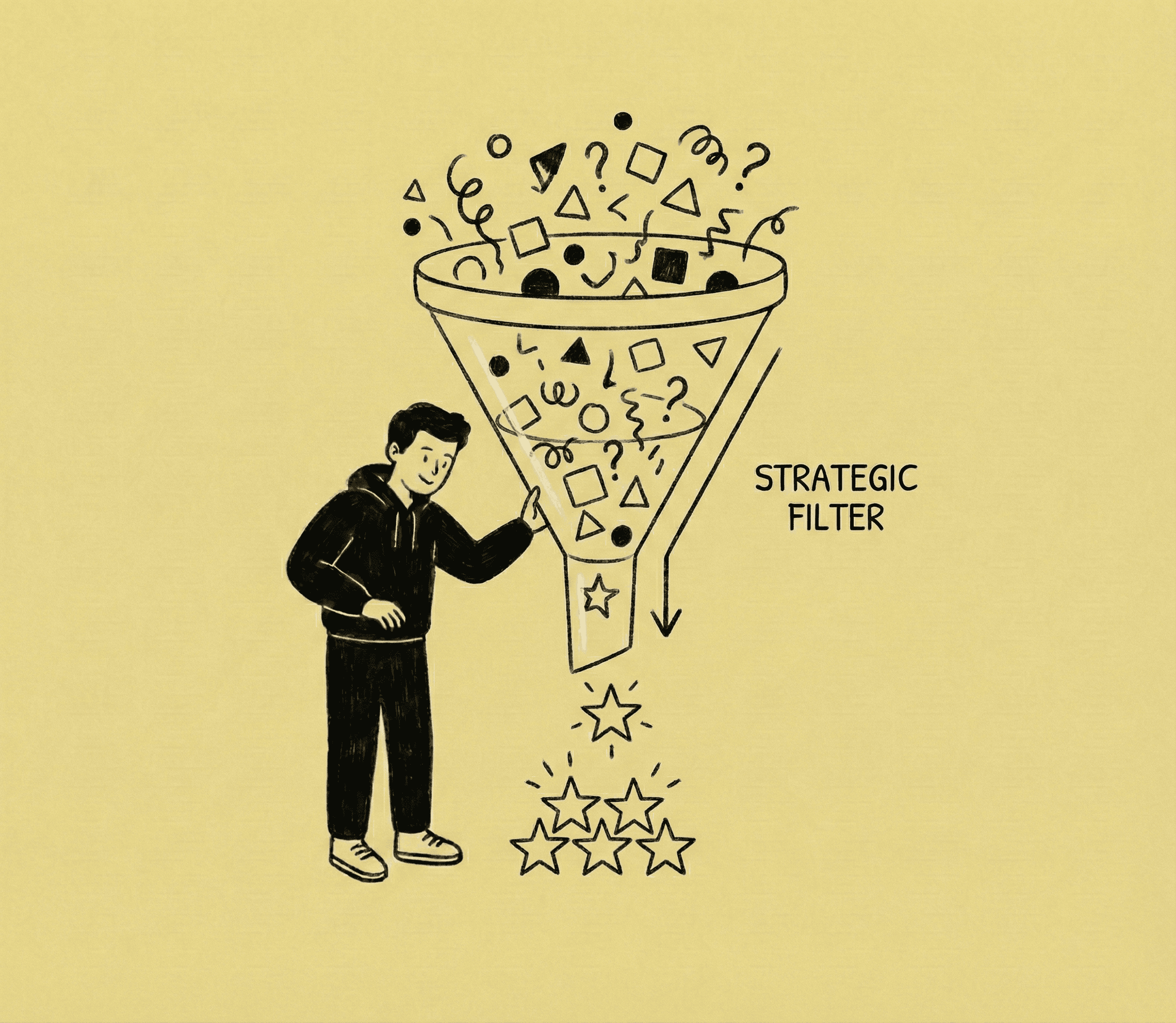
My job was to keep the system coherent. I used the thesis as the decision filter, forced trade-offs into the open, and protected the trust gates even when speed was tempting, because in contracting, the cost of being wrong is higher than the cost of being slower.
What I learned and carry forward
Two things from this project stay with me.
Setup complexity was visible early. What I underestimated was how differently it lands in a zero-to-one product versus a mature platform with deep implementation support behind it. It is a shared learning. One I would name louder and earlier in the next cycle.
In legal documents a one percent error rate is not a quality metric. It is a clause that costs millions and takes years to unwind. There was appetite to move faster and automate more broadly. Holding the trust architecture meant AI stayed an assistant with a human hand on every decision. That turned out to be the right call commercially as much as it was the right design call.
Summary (signature bets + outcomes)
Scope: Led CM Pro design from 0→1 through enterprise commercial adoption and early operational rollout.
Signature bets: workflow-native wedge (Procurement + SOM), Word-first counsel experience, trust-gated AI for review + extraction, conversational search MVP, guided setup north star to reduce admin ambiguity.
Outcomes: In ~12 months: ~120 licensed, ~35+ live, ~55 implementing (multi-region). For simple NDAs: turnaround dropped ~50% (3–4 days → 1–2) and redlining effort dropped ~80–90% with AI-assisted review. A regulated enterprise win validated the thesis: adoption follows trust, rollout realism, and workflow-native packaging.