Project overview
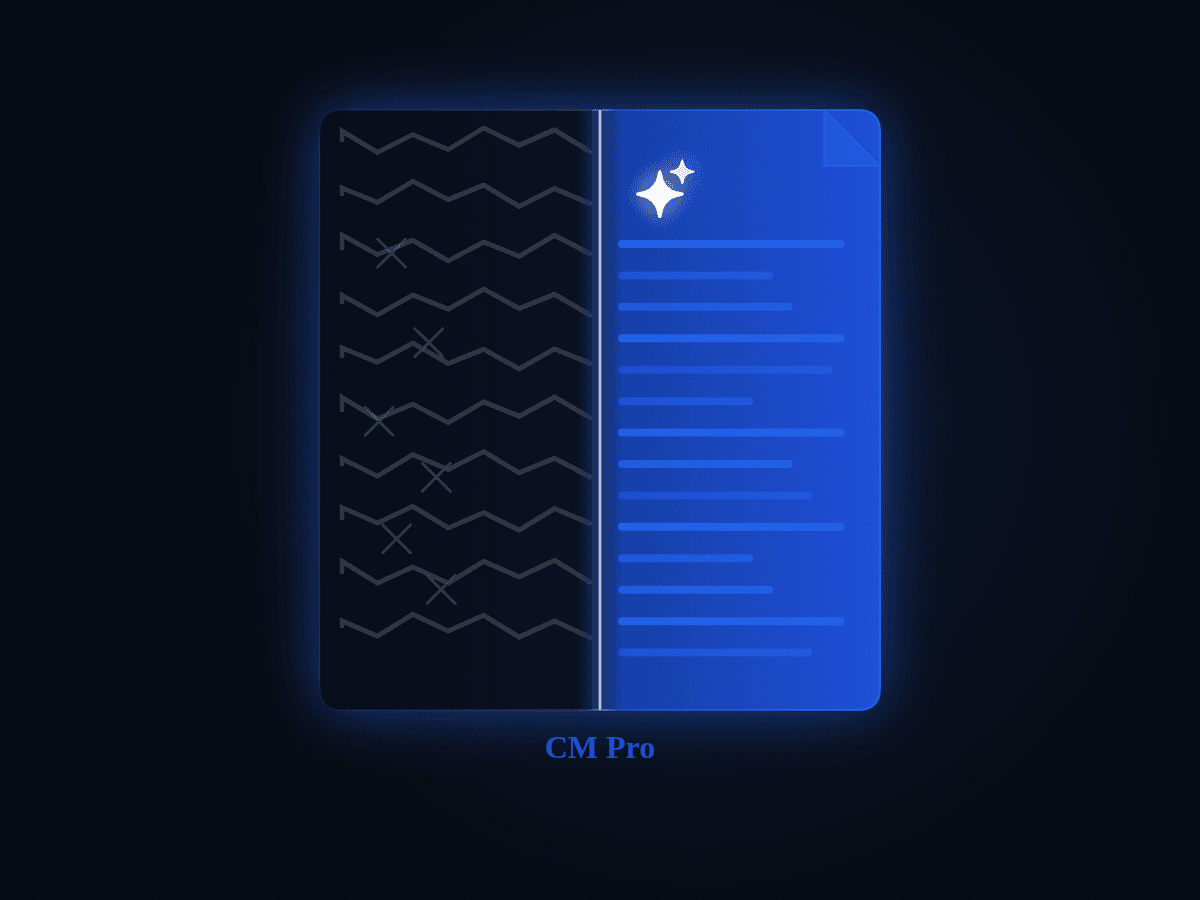
Until 2020, Amazon's HR Services was doing a lot of work that never should have existed. Requests came in through tickets, but the ticket did not help people do the right thing. It let them submit broken work.
Broken work is loud. It shows up as missing approvals, missing documents, wrong formats, and half-filled details. The cleanup does not happen in the UI. It happens in someone’s inbox, over days, with back-and-forth.
Smart Forms was part of Amazon HR Services’ JARVIS program. It was built to reduce manual work and defects by routing requests to the right channel, validating input at creation, and producing structured outputs that could be processed by HR teams or picked up by automation. It integrated with PeopleSoft for employee data and self service, and with Remedy ticketing for routed resolution when Smart Forms was not the right channel.
My role: Lead UX Designer (60% IC / 40% Lead)
What I led
Working sessions with regional SMEs to translate policy and documentation variance into clear intake rules
Alignment on routing logic, when to redirect to self service, when to create a ticket, and when to keep users in Smart Forms
Tradeoff decisions on bulk thresholds and channel strategy
What I designed
Role and geography aware entry, self vs someone else branching, and eligibility gating
Fix-forward validation patterns for individual and mass requests
Escape Valve as a trust and telemetry mechanism
The real problem was not “forms”
What looked like a form problem was a trust and throughput problem.
A single missing approval could stall a request for days. A missing document could trigger another round of follow-ups. In the defect-heavy paths, resolution time ballooned and SLAs slipped. People were not processing HR work, they were repairing it.
One request type made the problem painfully visible: legal name change. The data change itself was simple. The hard part was proving it. The acceptable documentation varied by geography, and the reference list was non-existent. People submitted what they had, HR bounced it back, more documents were requested, and the thread grew. In some cases, a legal name change also needed a bank detail update, and users did not know that dependency existed. The system was not failing because people were careless. It was failing because most users were not aware of the nitty gritties of policies and documentation requirements.
So the goal was simple to say and hard to do:
Help people submit requests that were complete, correct, and valid the very first time.
How the direction took shape
There was no single magic moment. It built the way these problems always build up: the same patterns kept returning.
In workshops with HR teams and through defect analysis over time, a few patterns kept repeating. Requests landed in the wrong channel. Approvals and attachments were missing. And small policy details, especially country-specific ones, created outsized delays because they were never surfaced at the point of entry.
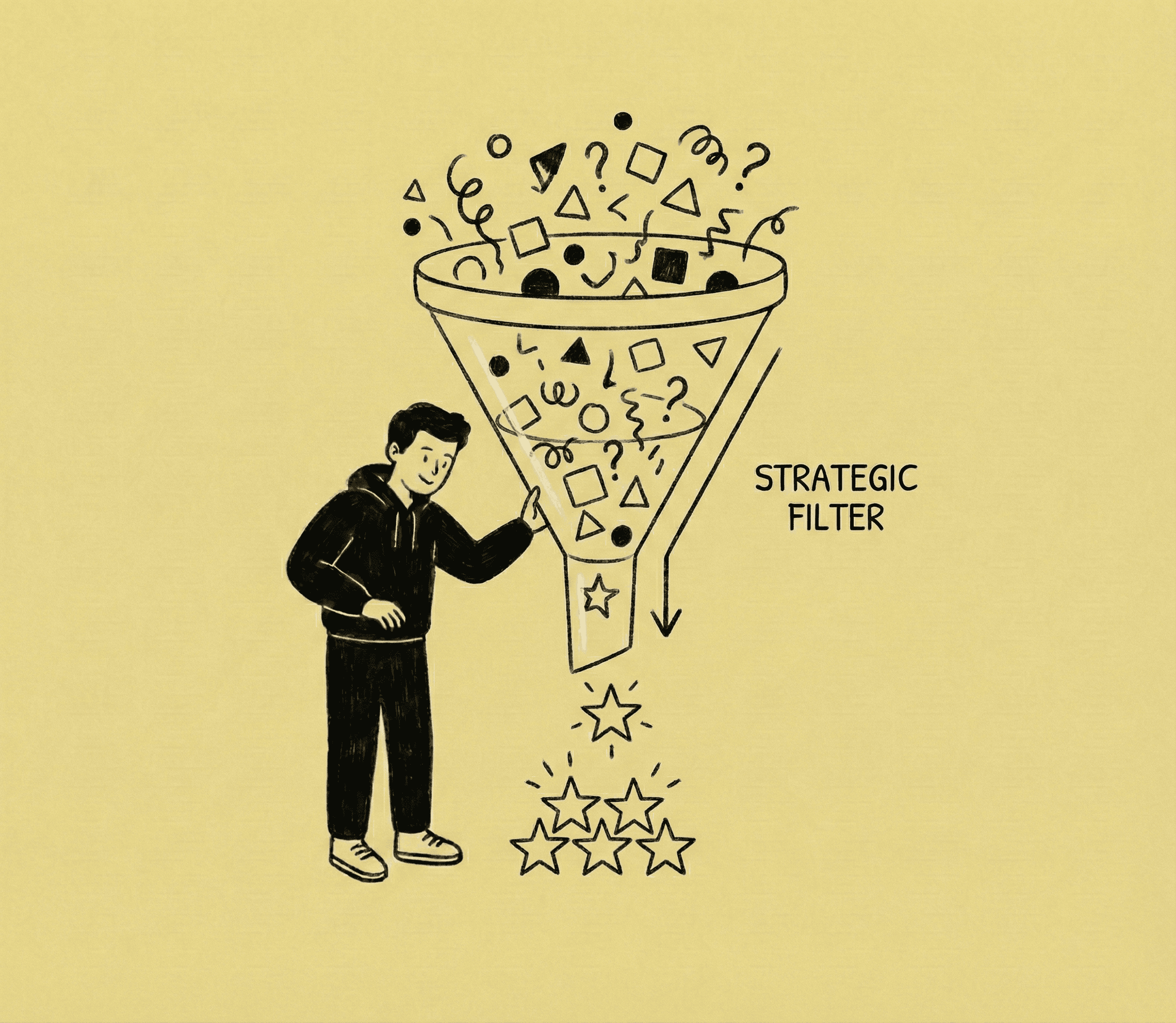
Over time, the solution stopped being “make tickets better.” It became a set of mechanisms:
Route users before they commit effort
Validate while they create the request, not after
Treat mass updates as first-class, not an advanced edge case
Never trap a user, always provide a way out
Design for audit and operations, not only submission
What we built (the parts that mattered)
1) A front door that adapts to the person and the rules
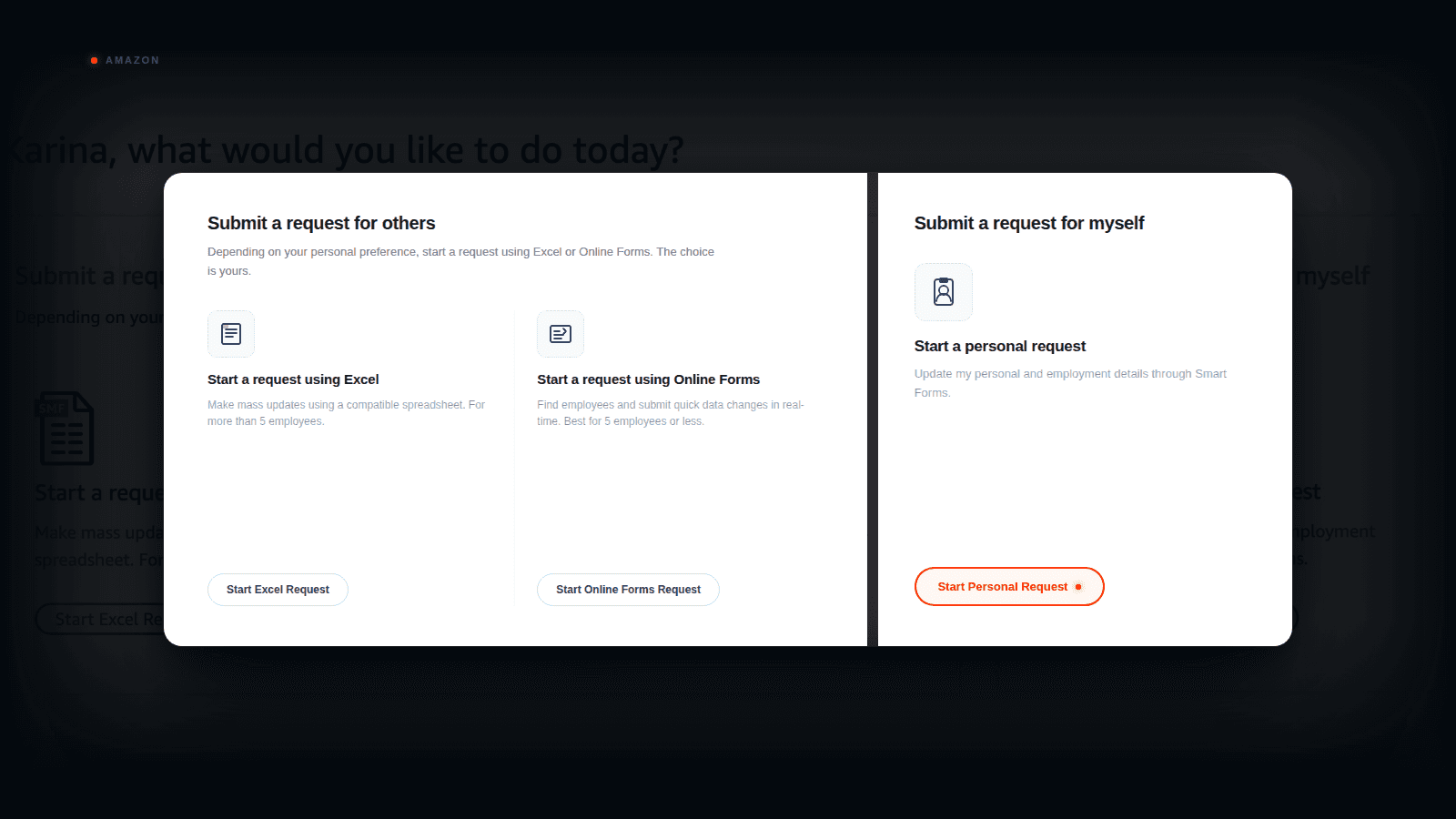
Smart Forms dynamically adjusted to the user’s role and geography and showed only the transactions they could perform. It also supported the key fork: is this request about me, or about someone else.
This removed the first major source of defects: wrong-path requests that looked fine at submission time but were doomed later.
2) Validation that shows up early, quietly, and relentlessly
Once a transaction was selected, Smart Forms validated the requestor, the impacted employee, and their relationship, because many actions are role-bound. It validated employee data using PeopleSoft feeds and checked whether the transaction could even be generated for that employee state. It enforced required fields, required documents, and effective date constraints before the request could move forward.
It did not feel like “policing.” It felt like the system finally telling the truth upfront.
3) Individual vs mass requests, handled like real operations
This is where the product earned trust.
Smart Forms differentiated individual vs mass requests and applied different rule sets and validations based on persona and request type.
For smaller batches, we supported an online grid because it was faster than preparing a file. For larger batches, CSV was the right tool. Errors were surfaced during input validation, and submission was blocked until the data was clean.
We knew bulk would be the sharp edge. The moment you allow one request to touch many employee records, you inherit a different kind of risk. So when bulk capability was introduced, we treated it as a first-class workflow, built around fix-forward validation and clear failure states, not “upload and hope.”
4) Escape Valve, designed as a trust feature, not a failure state
Enterprise workflows always hit edge cases. Smart Forms offered an Escape Valve (Need Help) that could be used at any point.
It generated the right ticket route automatically (region and transaction aware), and it captured why the user bailed out through a structured reason plus a required comment. Attachments could be added when needed.
That made the escape valve useful twice: it helped the user complete the work, and it created a signal loop for where the system needed to expand.
5) Designed for operations and audit, not only submission
Smart Forms had to be operable. Reporting expectations included audit trail and operational views so teams could track volume, outcomes, and where requests were getting stuck. Security relied on SSO and mirrored existing access models used in internal portals and Remedy workflows.
Two tradeoffs we made
Tradeoff 1: Grid vs CSV (speed vs scale)
We made a pragmatic call on mass update UX. For small batches, a guided grid is faster than preparing a CSV, uploading, and iterating on validation. But past a point, the grid becomes the burden. We landed on a threshold of five employees as the tipping point, based on what stayed quick and manageable in practice: grid for up to five, CSV beyond.
Tradeoff 2: Redirect to self service vs keep everything inside Smart Forms
We debated whether Smart Forms should “do everything” or guide people to the right channel. The decision leaned toward channel truth. If PeopleSoft or AtoZ could safely handle a transaction, redirecting there reduced ticket volume and kept Smart Forms focused on the cases that genuinely needed validation, documentation, or operational routing.
Why this was hard (and why it mattered)
Smart Forms had to work inside a messy reality:
Country and region rules varied, including approvals, documentation needs, and effective date constraints
Requests involved multiple roles across HR, finance, payroll, legal, audit, and sometimes medical stakeholders
The experience had to integrate with PeopleSoft and Remedy without breaking existing security models
Global rollout implied localization and QA realities, not just translation
This was never about shipping a form. It was about building a front door that could hold up under variance.
Evidence of impact (safe and grounded)
I avoid quoting internal post-launch numbers publicly, but we measured success through operational signals that tied directly to the defect problem.
Baseline anchor: Input defects were the dominant driver, missing info, incorrect info, missing attachments, and missing approvals.
Higher first-pass completeness of submissions, fewer requests returned for missing approvals or attachments
Fewer follow-up correspondences on defect-heavy tickets because required inputs were captured upfront
Cleaner mass update inputs reaching HR teams because validation was fix-forward
Escape Valve reasons and comments provided a measurable feedback loop to identify gaps and prioritize coverage
In other words, we did not just make submission easier. We reduced the amount of repair work the system created.
What I want to be credited for
Translating messy, geo-variant documentation and policy rules into an intake model people could actually follow
Designing the routing and eligibility model that prevented wrong-path submissions
Defining the mass update experience as fix-forward, with a pragmatic grid vs CSV split
Treating Escape Valve as both a trust mechanism and a learning loop
Designing for audit and operational realities alongside the submission UX
Closing note
Smart Forms reinforced a lesson I still use: in operational systems, UX is not how fast someone can fill a screen. UX is whether the system prevents broken work from entering the pipeline, and whether it stays humane when the real world refuses to fit the happy path.